Open a Workload Shell on Admiral.
Use admrl exec to open an interactive shell or run a command inside your running workload, without an SSH server, shared keys or inbound ports.

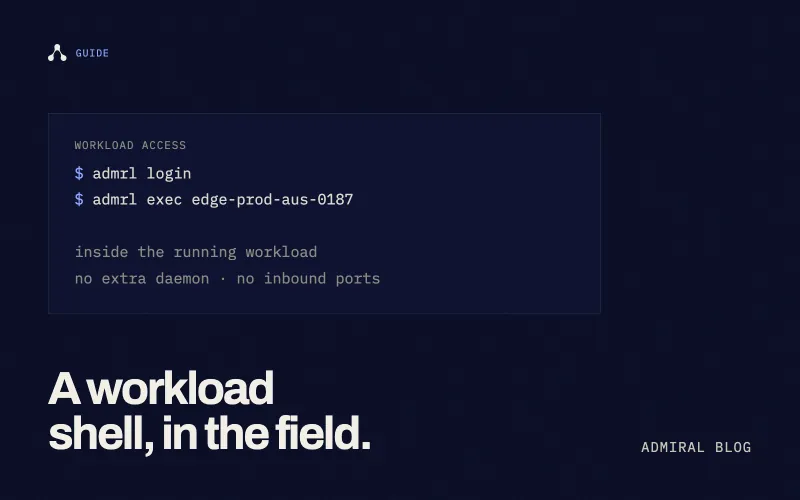
Open a workload shell on Admiral.
There are two kinds of people in edge infrastructure: those who’ve tried to debug a misbehaving device in a warehouse two time zones away, and those who will.
When logs are not enough, admrl exec lets you inspect the container that is actually running your workload. It uses the same workload terminal mechanism as the dashboard Terminal, not a login to the host operating system.
You do not need to install an SSH server, expose port 22 or distribute keys in your image. Your Admiral identity and permissions control access. Host SSH is not part of the customer remote-access offering; platform administration belongs to Admiral.
Open an interactive shell.
Install the admrl CLI, sign in, and select an online device running your workload:
admrl login
admrl exec edge-prod-aus-0187
Replace edge-prod-aus-0187 with your device’s name or ID. From a terminal, admrl exec with no command allocates an interactive terminal automatically and asks the workload to select its shell.
The shell runs inside the workload. The image must contain a usable shell; adding an SSH daemon does not solve a missing-shell error. For a shell-free image, run an executable that the image already contains instead.
Run a command instead.
Put the executable and its arguments after --:
admrl exec edge-prod-aus-0187 -- /bin/sh -c 'pwd'This example requires /bin/sh in the image. Substitute your own application’s diagnostic command when it has no shell. Command output is streamed to your terminal, and the CLI returns the command’s exit code.
To explicitly request stdin and a terminal for a command, run this from a terminal:
admrl exec -i -t edge-prod-aus-0187 -- /bin/shBefore connecting.
- The device must be online and its workload running.
- Your Admiral identity must have permission to execute inside that workload, and fleet remote access must be enabled.
- The image must contain the shell or executable you request.
- Dashboard Terminal uses the same workload-scoped mechanism. Its visibility depends on the current dashboard access rules; this guide does not promise it is available to every customer account.
No public IP, inbound firewall rule or VPN is needed for the managed connection. This is workload execution, not an SSH tunnel to a container daemon. It does not provide SSH client tooling such as scp, sftp or SSH port forwarding.
Debug here. Ship the fix in your image.
A shell is useful for inspecting application state, testing a hypothesis or collecting evidence. It is not a deployment workflow.
If a change fixes the problem, put it in your Dockerfile or configuration and deploy it through Admiral. Changes made by hand inside the workload are not a durable substitute for a new image; an image update recreates the workload filesystem. Keep durable application data on persistent volumes.
For a graphical workload example, see our PS2 emulator walkthrough. The remote-access pattern is the same: admrl exec enters the running workload, without adding a second access service to the image.
Alexander Turner
Co-founder & CEO
Alex is the CEO of Admiral. Previously, Alex has founded Ordnance Networks, Luma Networks and has worked in the global backbone engineering team at Amazon.